Your show. Your sound.
Audio, MIDI and video, right on the beat.
Band Amigo is playback, show and stage software for the Mac. Audio, MIDI, lyrics and video run together with sample accuracy, and you stay in control of tempo, key, sound and running order. Made with attention to detail, by a musician for musicians.
Band Amigo in action.
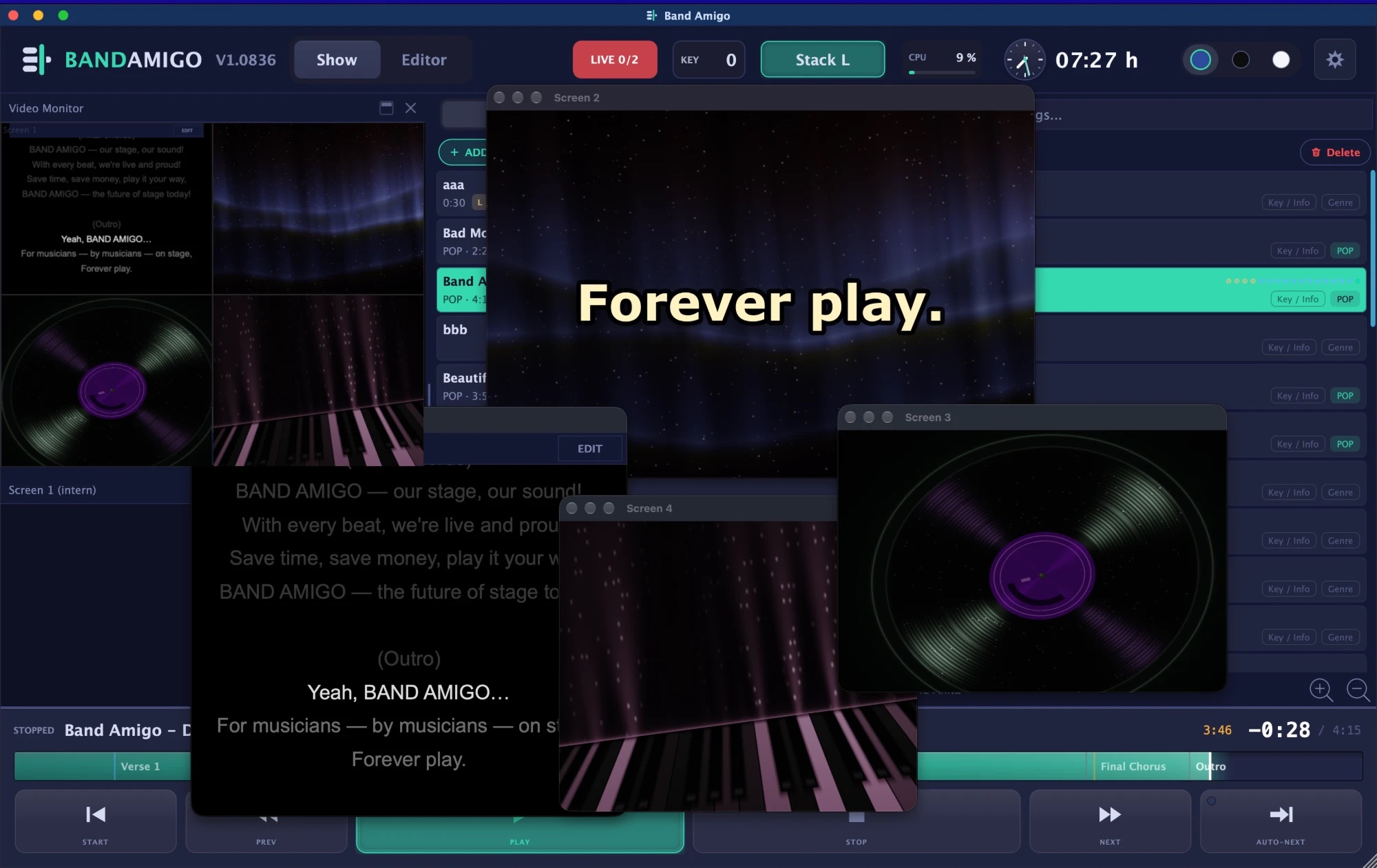
One whole song, the way it runs on stage: four screens with live visuals and lyrics, and the remote on the phone next to them. Short captions at the bottom show what Band Amigo can do.
Tempo and key.
Flexibly adjustable, in every song.
Tempo
Slower or faster, in every song. The pitch stays the same.
Key
Transpose up or down, in every song.
A channel strip on every track.
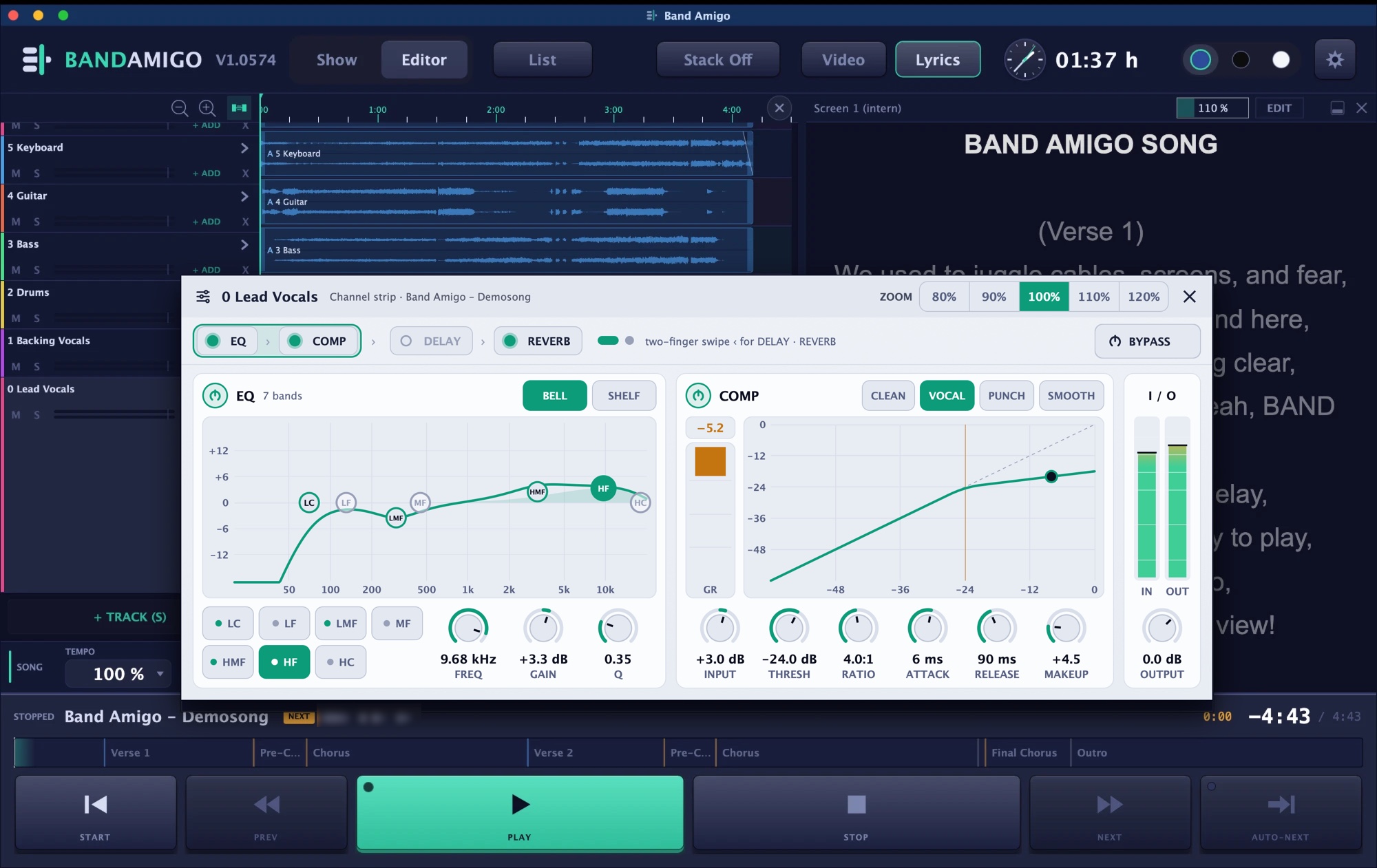
Every track gets its own channel strip, just like you know it from the studio: 7-band EQ, compressor, delay and reverb. All at studio standard, and it simply sounds great.
-
7-band EQ
-
Compressor
-
Delay
-
Reverb
Clipping protection
An invisible safety limiter runs on every output. It prevents clipping.
Quality and latency
Everything runs in studio quality with no noticeable latency.
Lyrics editor with timecode.
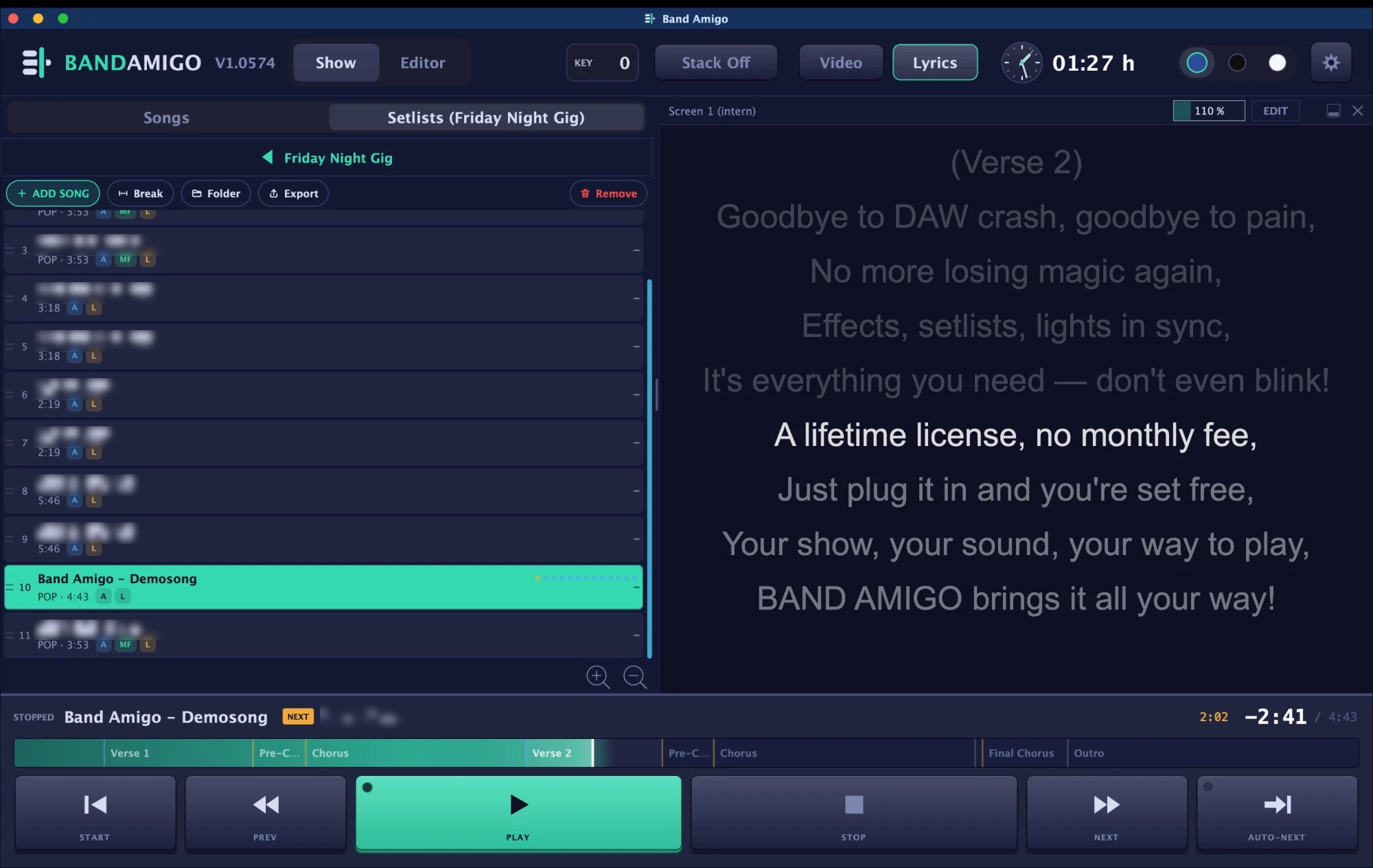
Lyrics are synced to the song. They scroll along automatically and can be sent to the stage screens.
-
TimecodeEvery line is synced to the song.
-
Automatic scrollingThe text follows the song.
-
Output to stage screensLyrics can be sent to the screens.
Sample-accurate sync.
Audio, MIDI, lyrics and video run in perfect sync, down to the sample.
Video on up to 4 screens.
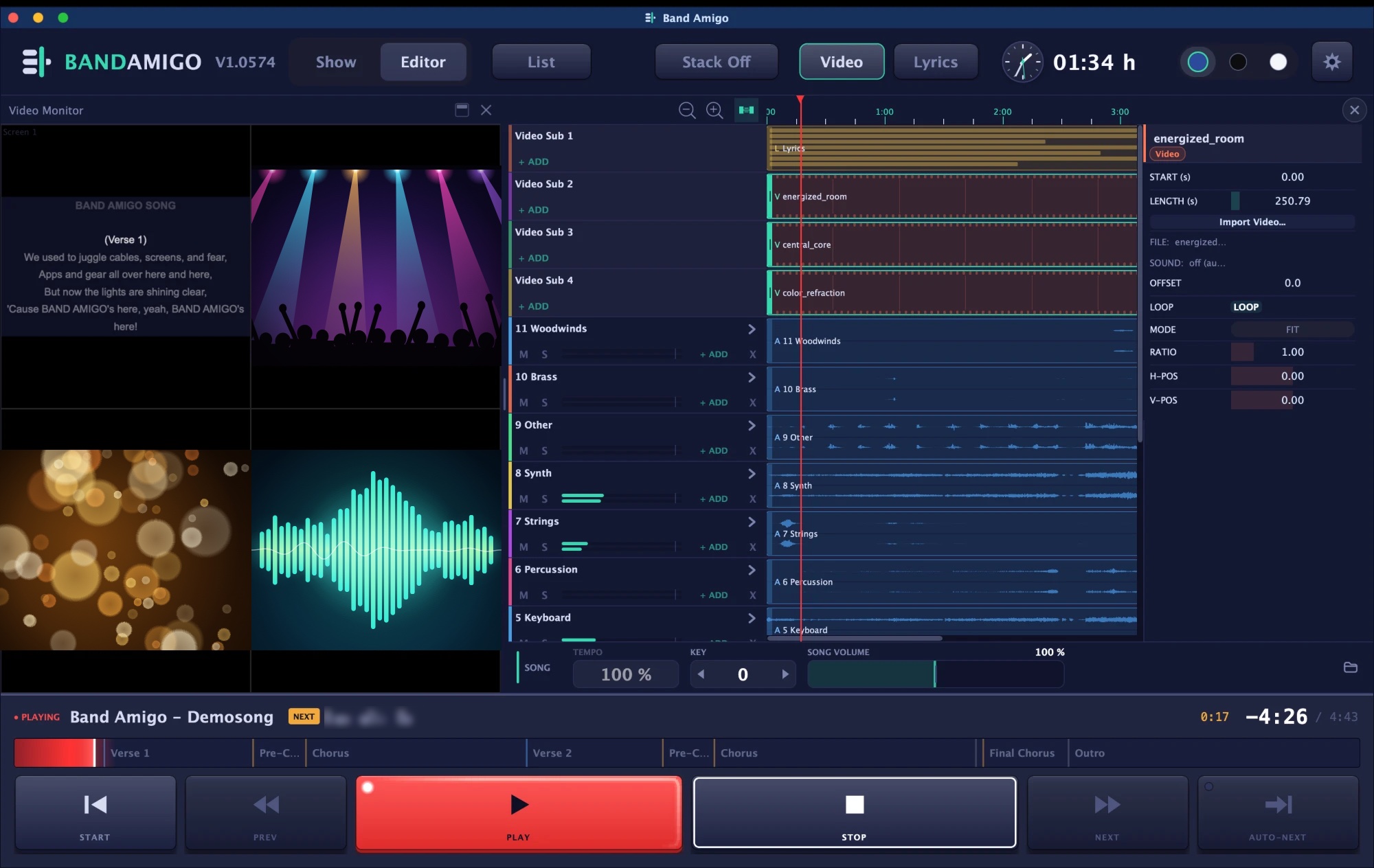
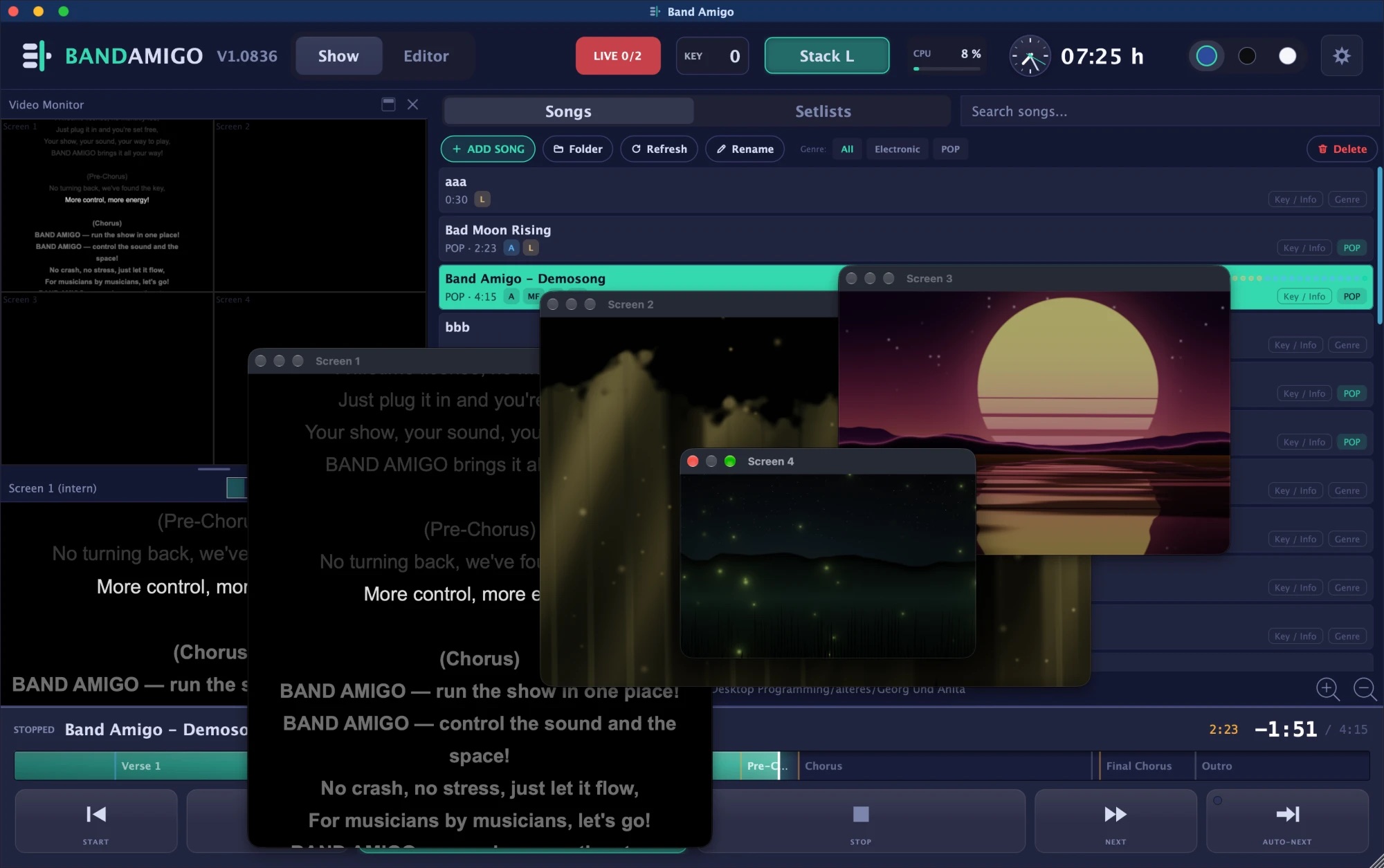
Up to 4 external screens or projectors, plus an internal monitor. Videos and lyrics are assigned per screen.
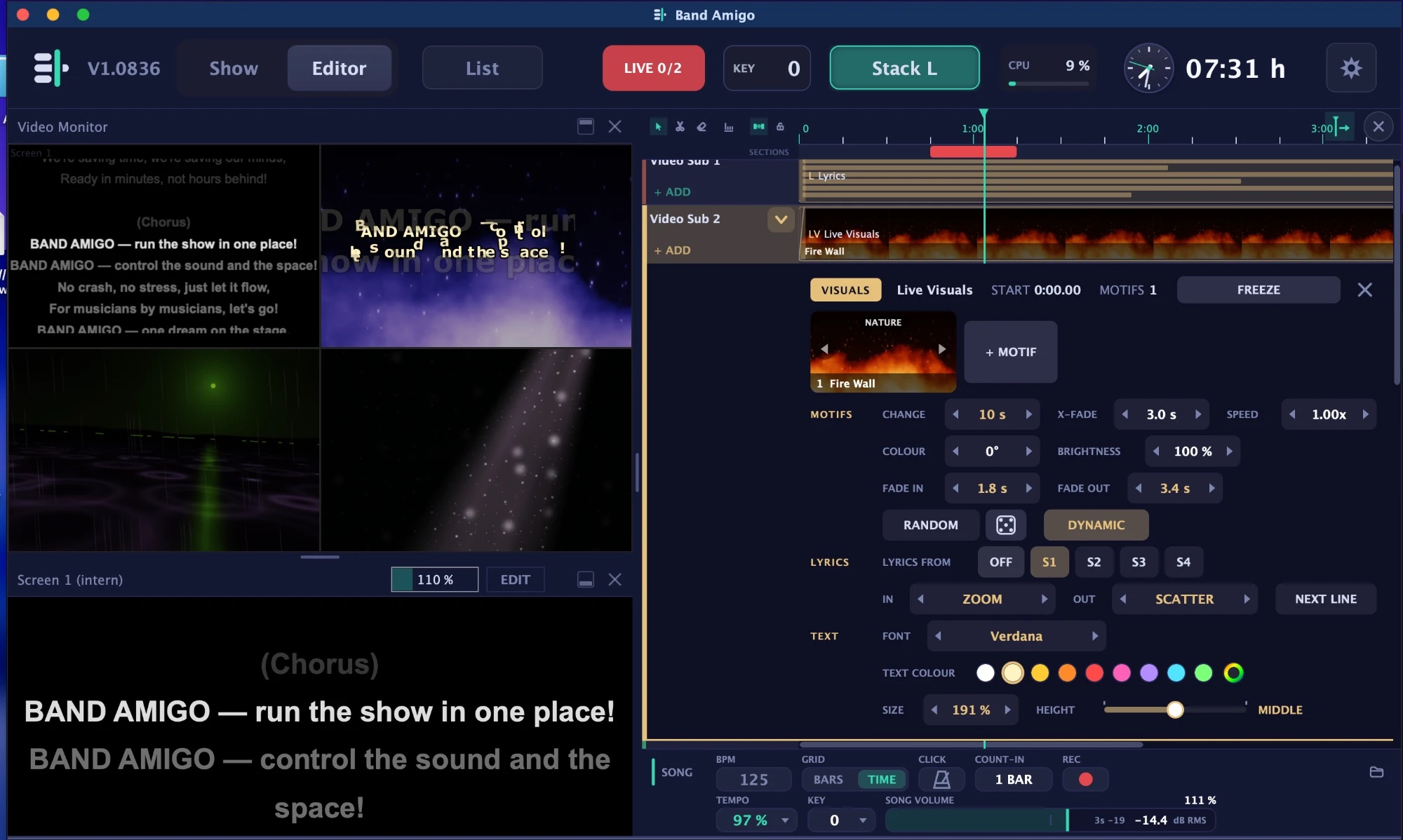
Live visuals that follow the music.
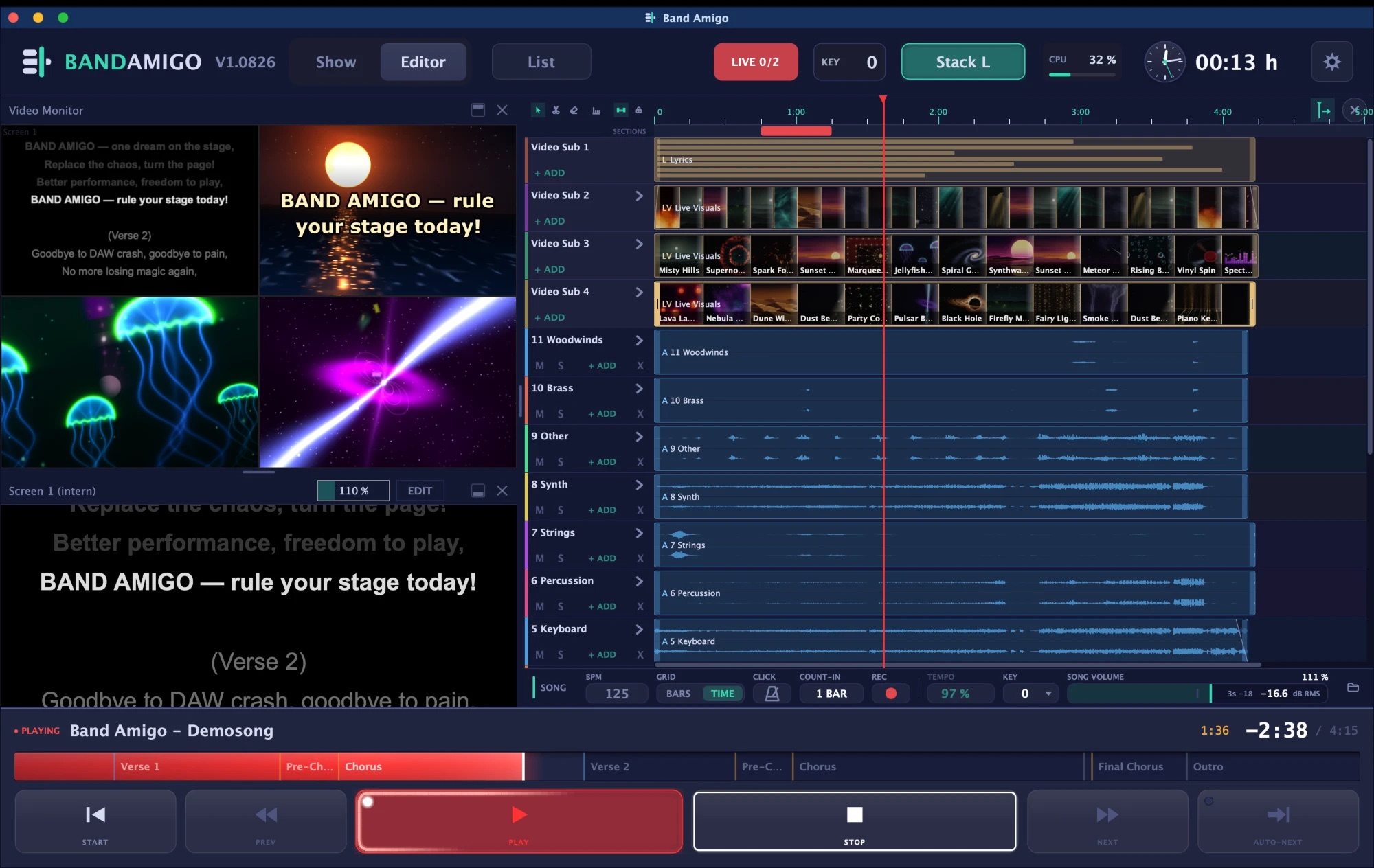
Band Amigo creates the pictures for your screens itself, live during the show. 160 motifs in 11 groups, from space and nature to disco, stage and 3D. They flow into each other and move with your song.
-
DynamicAs the song gets louder, the picture gets stronger. The kick drum makes it pump.
-
Smooth transitionsMotifs morph into each other, at random if you like. Nothing repeats.
-
Lyrics on topThe sung line appears over the visuals, with effects that match the music.
-
FreezeOne click renders the visuals into a video, faster than real time. That spares the graphics card.
Record and edit MIDI.
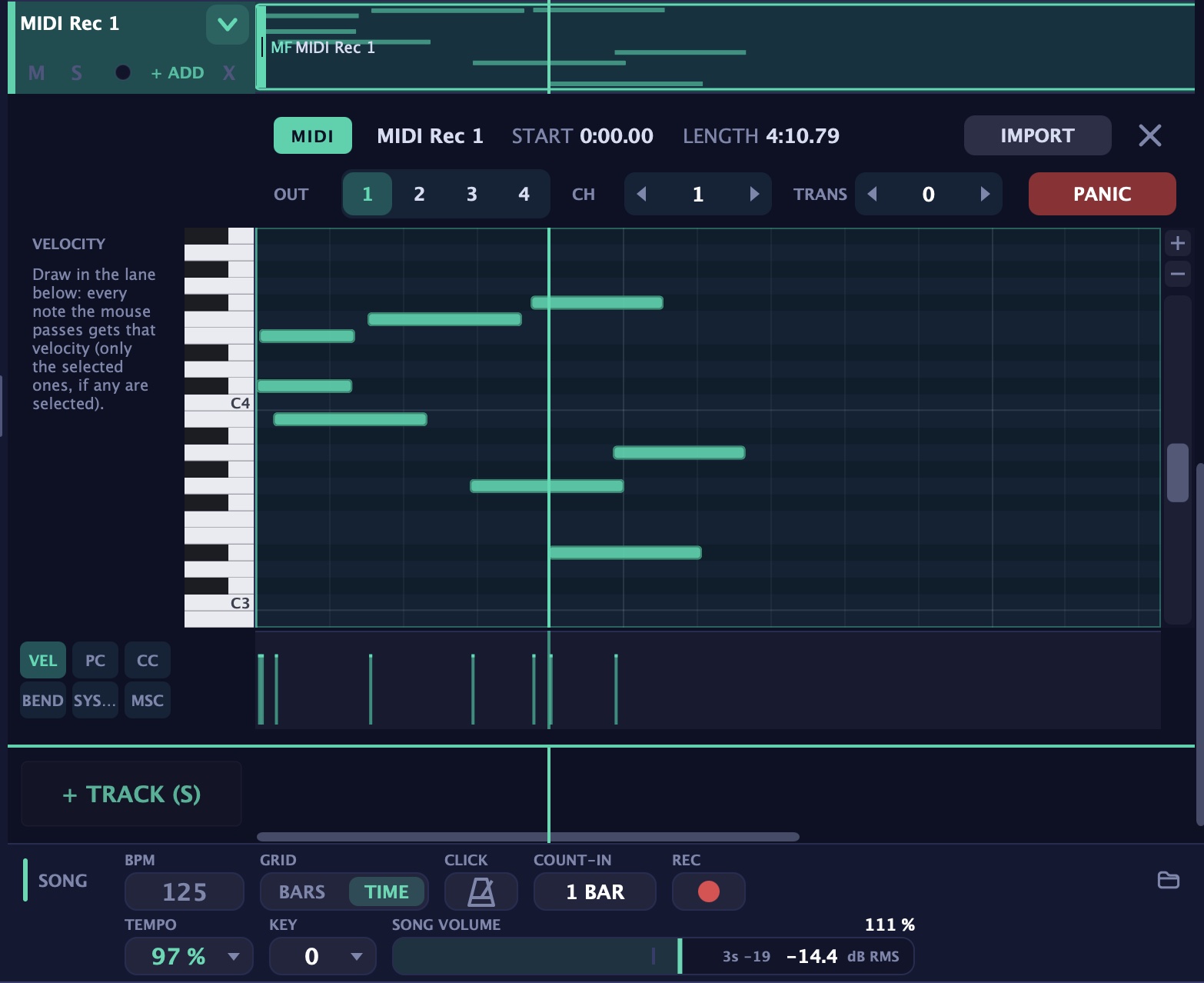
MIDI tracks run next to audio, lyrics and video. Record straight into the song and edit the notes in the piano roll, right under the clip on the timeline.
-
Recording with count-inPress REC and play. The notes land in the song, sample-accurate.
-
Piano rollDraw, move, lengthen, copy and delete notes, with a grid and undo.
-
VelocitySimply draw the velocity over the notes with the mouse.
-
Commands for lights and soundsProgram change, control change, pitch bend, SysEx and MIDI Show Control at the right moment in the song.
Setlists, MIDI and themes.
Setlists
Setlist management with folders, breaks and auto-next. Plus a Show view for the gig.
MIDI
MIDI tracks run alongside the audio tracks.
Themes
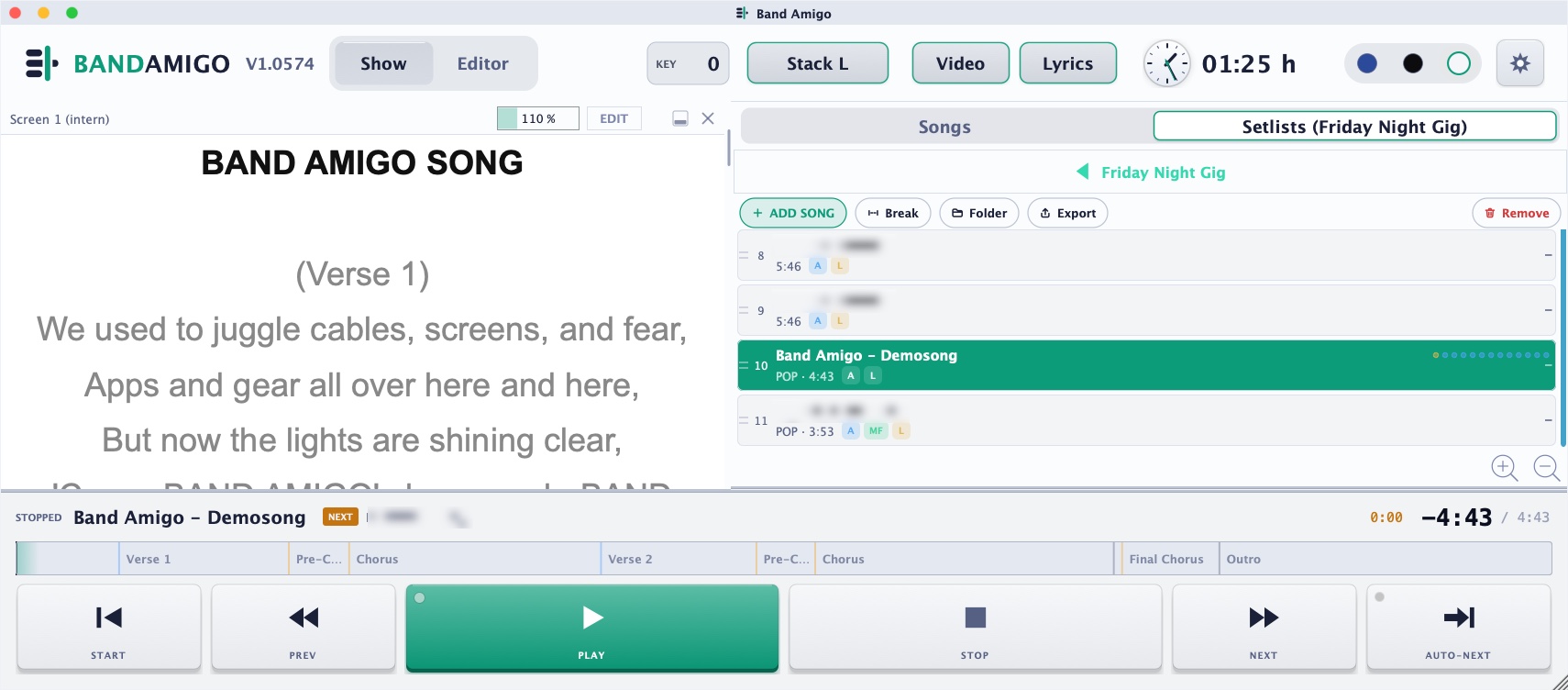
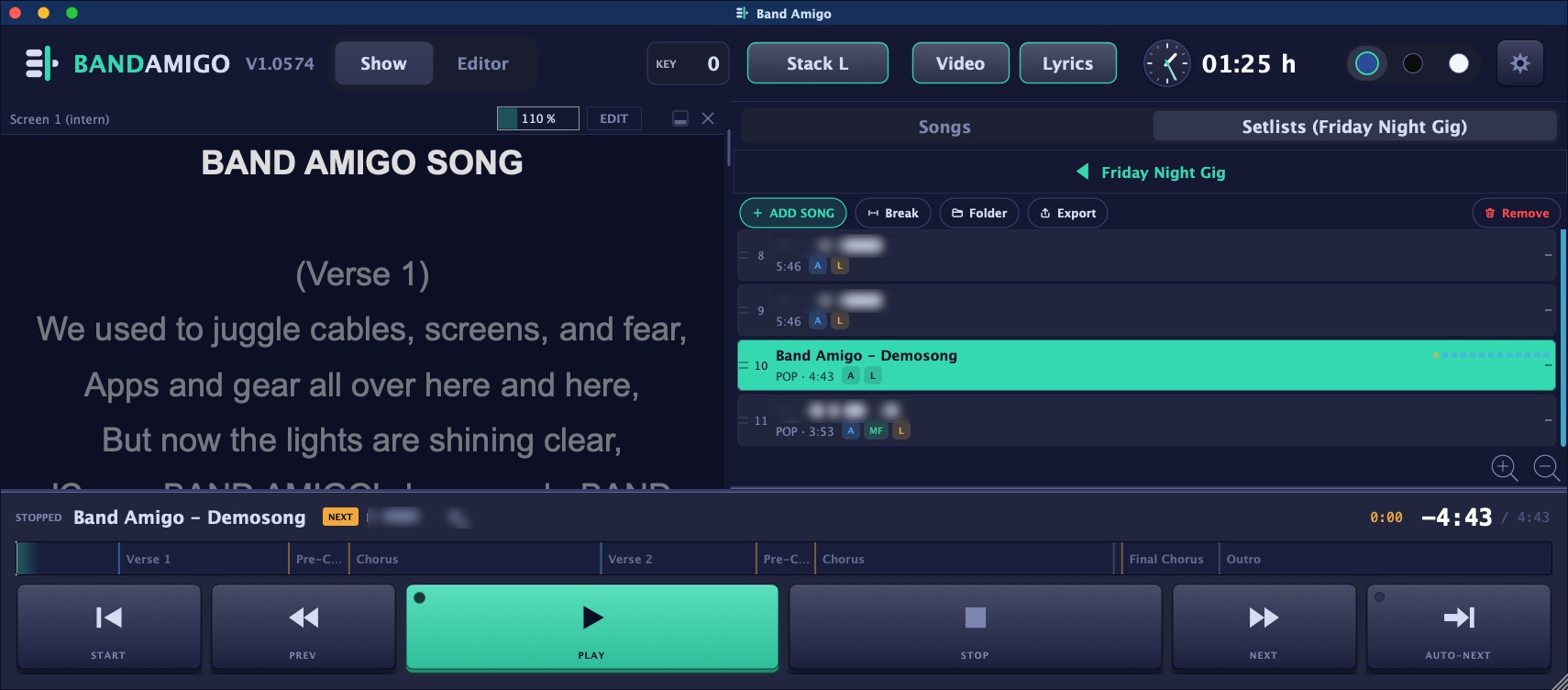
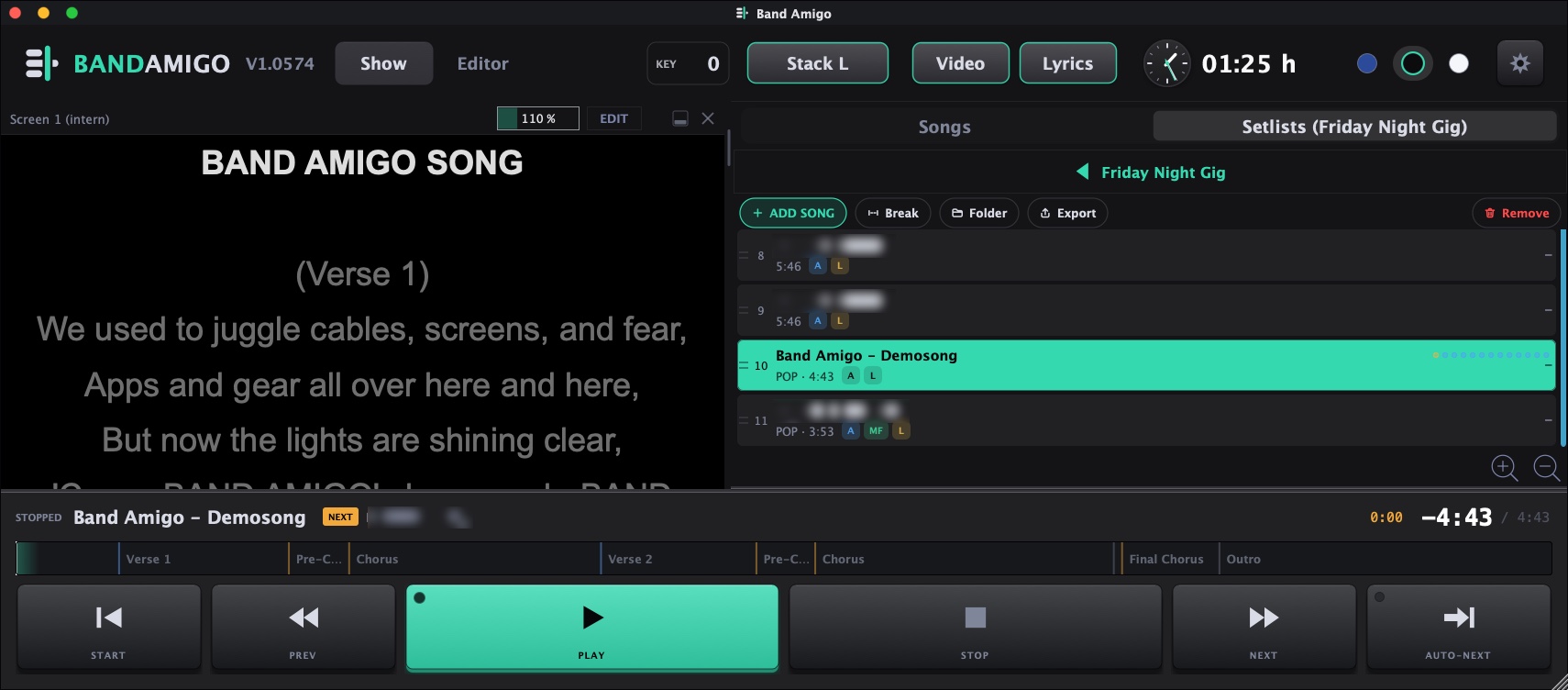
Three looks: Blue, Black and Day.
The right colour theme for every time of day.
Three colour themes: Day, Blue and Black. Switch with one click in the header bar.